Tag: On Campus

Episode 77: Banquet Brawl

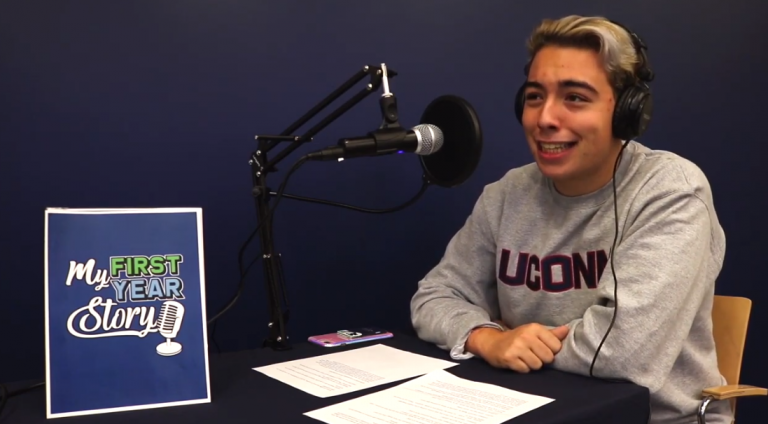
This week, we speak with School of Fine Arts faculty members Cora Lynn Deibler and Earl MacDonald about the new collaborative work of animation “By Our Love”; student Tomaso Scotti tells us about what it’s like to host the My First Year Story podcast; and we learn about a bygone student tradition that is probably […]

Read more

Episode 74: Buying Local, Listening Local, Newspapering Local

This week, we hear from Kenneth Fuchs, professor of music composition, about his new recording with the United States Coast Guard Band; Donald Pendagast ’20 MBA talks about how his Curated CT startup is helping local businesses; and we travel back to a time when a house ordered from a Sears catalog was the center […]

Read more

Episode 72: A Building (Almost) Named Nate

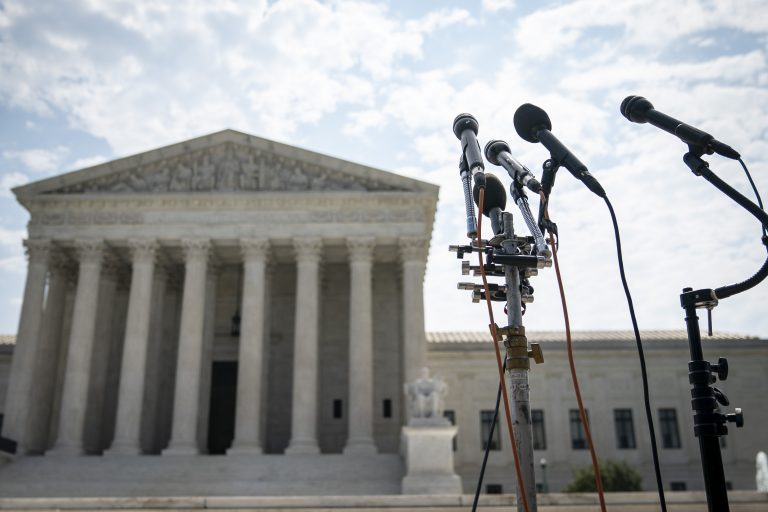
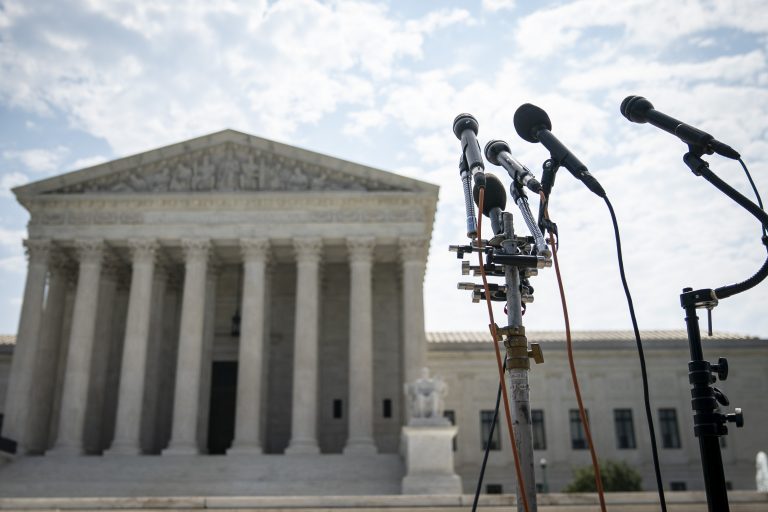
This week, we sit down with the UConn School of Law’s John Aloysius Cogan Jr. to learn about this week’s arguments before the U.S. Supreme Court concerning the Affordable Care Act, and we travel back to the mid-1970s to discover an iconic campus building’s original name.

Read more

Episode 70: Finding the Blues

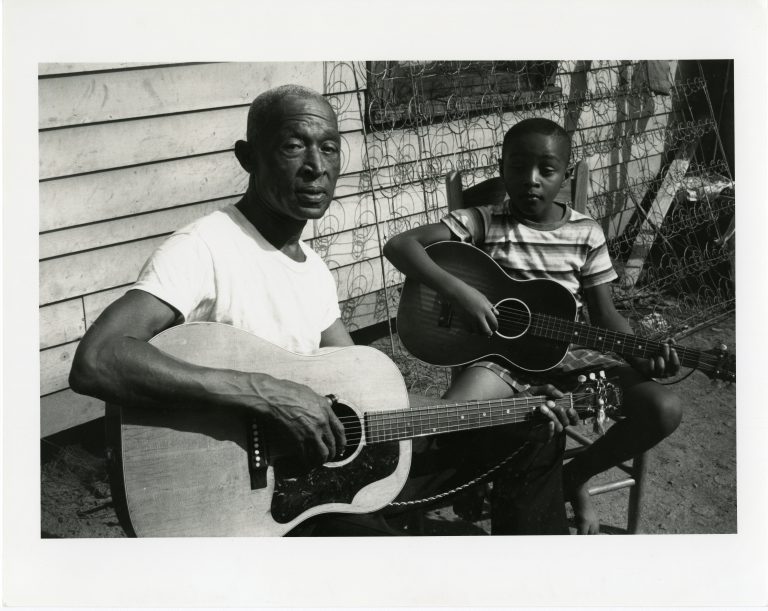
This week, we track down a documentary about American blues legends that had long been thought lost, and learn why Spring Break was once looked forward to as a time when students could finally take off their hats.

Read more

Episode 69: Supreme Deliberations

This week marks the start of the Brave Space feature with an interview featuring Kelly Ha, a Master’s of Social Work student who tells us about her experiences as an Asian American and with the #IAmNotAVirus campaign. We also sit down with Prof. David Yalof to discuss the future of the U.S. Supreme Court, and […]

Read more

Episode 68: Broadcasting Diverse Voices in Sports

This week, Adam Giardino ’11 (CLAS) tells us how he’s making sports broadcasting more welcoming and inclusive for diverse voices with the Black Play-by-Play Broadcaster Grant and Scholarship Fund; we meet Tyler Silverio ’21 (CLAS), the new UConn 360 student worker; and Tom canters through history with a look at UConn’s horses. Transcript Tom Breen: […]

Read more

Episode 67: Here Comes the Story of the Hurricane

This week, we talk with Professor Caitlin Lombardi about how low family income can adversely affect the development of children’s math skills, and we learn how the Hurricane of 1938 left an indelible mark on campus, but couldn’t stop the first day of classes.

Read more

Episode 66: Symbol of Might to the Foe

This week, we sit down with UConn sports expert Mike Enright to recount some of the most memorable moments in Husky history; we also discover the prehistory of Downtown Storrs is longer than we would have guessed, and talk about which residence hall might have made a good hotel.

Read more

Episode 58: Gamers, Graduates, ‘Husky Farm Girls’

This week, we check in with students who are building a Minecraft-style graduation for UConn seniors, and learn about life on campus in 1905 from the perspective of an original women’s basketball team member. Transcript Tom Breen: [00:00:00] Hello everyone and welcome to episode 58 of UConn 360, that’s the only podcast in the world […]

Read more

Episode 55: The Great Storrs Air Raid

This week, Prof. Lucy Gilson stops by to talk about why business and research are a natural fit; we learn about how the Guerrilla Girls changed the art world for the better; and we look back on a very patriotic series of fires on the Storrs campus. Transcript Tom Breen: [00:00:00] Hello everyone, and welcome […]

Read more

Our websites may use cookies to personalize and enhance your experience. By continuing without changing your cookie settings, you agree to this collection. For more information, please see our University Websites Privacy Notice.

What are cookies?

Web cookies (also called HTTP cookies, browser cookies, or simply cookies) are small pieces of data that websites store on your device (computer, phone, etc.) through your web browser. They are used to remember information about you and your interactions with the site.

Purpose of Cookies:

  1. Session Management:

    • Keeping you logged in
    • Remembering items in a shopping cart
    • Saving language or theme preferences
  2. Personalization:

    • Tailoring content or ads based on your previous activity
  3. Tracking & Analytics:

    • Monitoring browsing behavior for analytics or marketing purposes

Types of Cookies:

  1. Session Cookies:

    • Temporary; deleted when you close your browser
    • Used for things like keeping you logged in during a single session
  2. Persistent Cookies:

    • Stored on your device until they expire or are manually deleted
    • Used for remembering login credentials, settings, etc.
  3. First-Party Cookies:

    • Set by the website you're visiting directly
  4. Third-Party Cookies:

    • Set by other domains (usually advertisers) embedded in the website
    • Commonly used for tracking across multiple sites
Authentication Cookies

Authentication cookies are a special type of web cookie used to identify and verify a user after they log in to a website or web application.


What They Do:

Once you log in to a site, the server creates an authentication cookie and sends it to your browser. This cookie:

  • Proves to the website that you're logged in
  • Prevents you from having to log in again on every page you visit
  • Can persist across sessions if you select "Remember me"

What's Inside an Authentication cookie?

Typically, it contains:

  • A unique session ID (not your actual password)
  • Optional metadata (e.g., expiration time, security flags)
Analytics Cookies

Analytics cookies are cookies used to collect data about how visitors interact with a website. Their primary purpose is to help website owners understand and improve user experience by analyzing things like:

  • How users navigate the site
  • Which pages are most/least visited
  • How long users stay on each page
  • What device, browser, or location the user is from

What They Track:

Some examples of data analytics cookies may collect:

  • Page views and time spent on pages
  • Click paths (how users move from page to page)
  • Bounce rate (users who leave without interacting)
  • User demographics (location, language, device)
  • Referring websites (how users arrived at the site)
Opt Out

Here's how you can disable cookies in common browsers:

1. Google Chrome

  • Open Chrome and click the three vertical dots in the top-right corner.
  • Go to Settings > Privacy and security > cookies and other site data.
  • Choose your preferred option:
    • Block all cookies (not recommended, can break most websites).
    • Block third-party cookies (can block ads and tracking cookies).

2. Mozilla Firefox

  • Open Firefox and click the three horizontal lines in the top-right corner.
  • Go to Settings > Privacy & Security.
  • Under the Enhanced Tracking Protection section, choose Strict to block most cookies or Custom to manually choose which cookies to block.

3. Safari

  • Open Safari and click Safari in the top-left corner of the screen.
  • Go to Preferences > Privacy.
  • Check Block all cookies to stop all cookies, or select options to block third-party cookies.

4. Microsoft Edge

  • Open Edge and click the three horizontal dots in the top-right corner.
  • Go to Settings > Privacy, search, and services > cookies and site permissions.
  • Select your cookie settings from there, including blocking all cookies or blocking third-party cookies.

5. On Mobile (iOS/Android)

  • For Safari on iOS: Go to Settings > Safari > Privacy & Security > Block All cookies.
  • For Chrome on Android: Open the app, tap the three dots, go to Settings > Privacy and security > cookies.

Be Aware:

Disabling cookies can make your online experience more difficult. Some websites may not load properly, or you may be logged out frequently. Also, certain features may not work as expected.